In today’s fast-paced digital landscape, many organizations are still running critical operations on legacy applications built years—or even decades—ago. While these systems may still “work,” they often hold businesses back from innovation, scalability, and competitiveness.
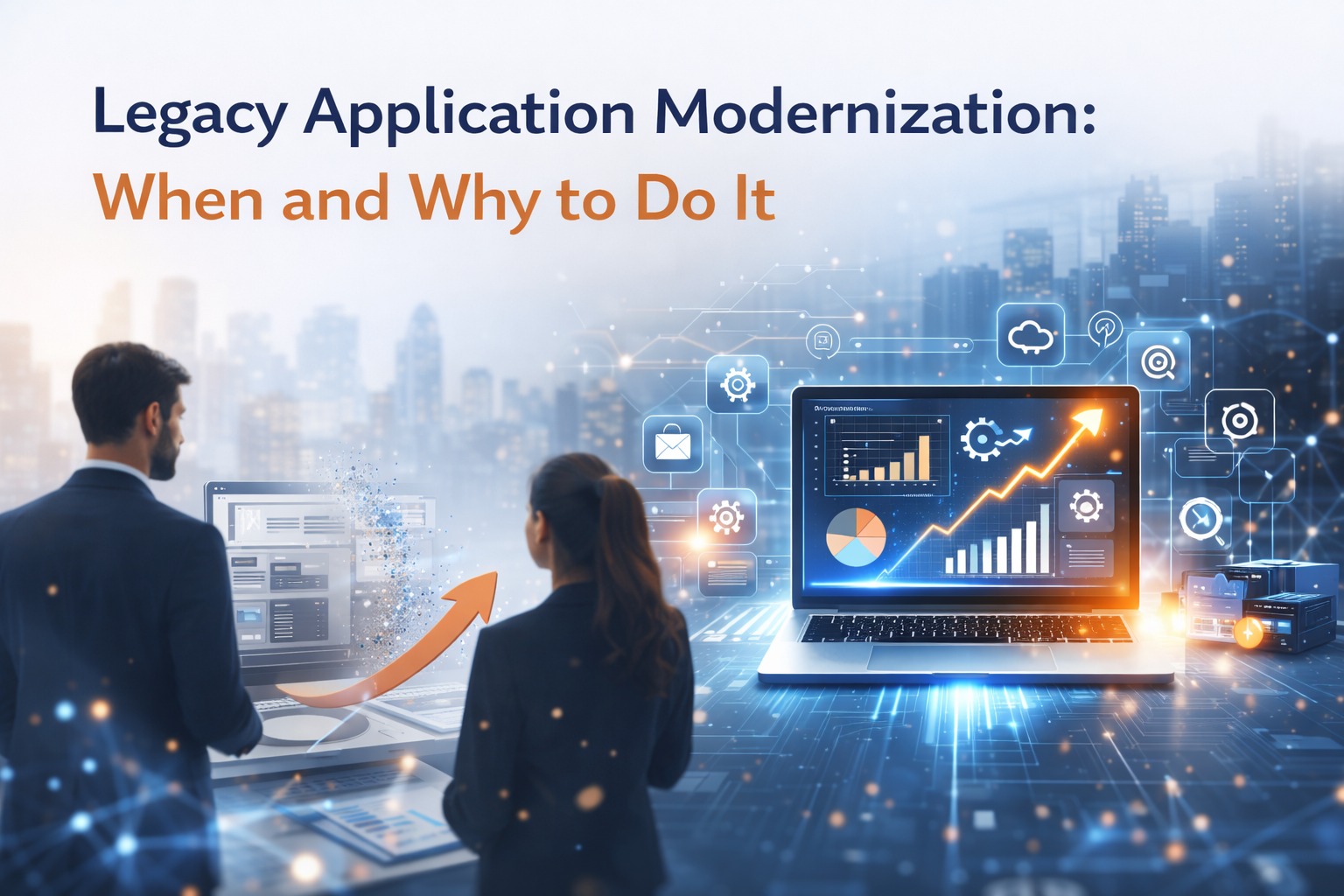
Legacy application modernization is the process of transforming outdated software systems into modern, scalable, secure, and efficient applications that align with current business needs and technologies.
This blog explains what legacy application modernization is, when you should do it, and why it’s essential for long-term growth.
What Is a Legacy Application?
A legacy application is any software system that:
- Is built on outdated technologies or programming languages
- Is difficult to maintain or upgrade
- Lacks integration with modern systems
- Depends on obsolete infrastructure or vendors
- No longer meets current business or user expectations
Examples include:
- Old ERP or CRM systems
- On-premise applications with no cloud support
- Monolithic systems with tightly coupled architecture
What Is Legacy Application Modernization?
Legacy application modernization refers to upgrading or transforming existing software systems using modern technologies, architectures, and development practices.
It may involve:
- Rewriting parts or all of the application
- Migrating to the cloud
- Re-architecting into microservices
- Enhancing UI/UX
- Improving security and performance
The goal is not just a technical upgrade, but full business transformation.
When Should You Modernize Legacy Applications?
1. High Maintenance Costs
If a significant portion of your IT budget goes into “keeping the lights on” instead of innovation, modernization is overdue.
2. Poor Performance and Downtime
Frequent outages, slow response times, and system crashes directly impact customer experience and revenue.
3. Lack of Scalability
Legacy systems often struggle to handle increased users, data, or transactions.
4. Security Risks
Outdated systems lack modern security standards and are more vulnerable to cyber threats.
5. Integration Challenges
If your application cannot easily integrate with APIs, cloud platforms, or third-party tools, it limits digital growth.
6. Outdated User Experience
Poor UI/UX leads to low employee productivity and dissatisfied customers.
Why Legacy Application Modernization Is Important
1. Improved Business Agility
Modern applications allow faster development, deployment, and innovation.
2. Better Performance and Reliability
Cloud-native and modern architectures provide higher availability and lower downtime.
3. Enhanced Security
Modern platforms follow current security standards, compliance frameworks, and automated patching.
4. Cost Optimization
Reduced infrastructure, lower maintenance costs, and better resource utilization.
5. Scalability and Flexibility
Modern systems scale on-demand to support business growth.
6. Better Customer Experience
Modern UI/UX improves engagement, satisfaction, and conversion rates.
Common Legacy Modernization Approaches
There is no one-size-fits-all solution. The right approach depends on business goals, system complexity, and budget.
1. Rehosting (Lift and Shift)
Move applications to the cloud without changing code.
Best for:
- Quick migration
- Minimal risk
- Infrastructure cost savings
2. Refactoring
Optimize parts of the application to improve performance and scalability.
Best for:
- Performance improvements
- Gradual modernization
3. Re-architecting
Redesign the system using microservices or cloud-native architecture.
Best for:
- Long-term scalability
- High-performance systems
4. Rebuilding
Rewrite the application from scratch using modern technologies.
Best for:
- Highly outdated systems
- Major functional changes
5. Replacing
Replace legacy software with modern SaaS or off-the-shelf solutions.
Best for:
- Standard business functions (CRM, HR, Finance)
Key Challenges in Legacy Modernization
- Data migration risks
- Business continuity concerns
- Integration complexities
- Change management
- Skill gaps in legacy technologies
This is why modernization should be planned with a structured roadmap and an experienced technology partner.
Best Practices for Successful Modernization
- Start with business goals, not technology
- Conduct a detailed application assessment
- Prioritize high-impact systems
- Modernize in phases (not all at once)
- Ensure security and compliance from day one
- Train teams for new technologies
- Measure ROI and performance continuously
How Application Management Services Support Modernization
A strong Application Management Services (AMS) partner helps you:
- Assess legacy systems
- Design modernization strategy
- Execute migration and re-engineering
- Provide ongoing support and optimization
This ensures modernization is not a one-time project, but a continuous improvement journey.
Conclusion
Legacy systems may have served your business well in the past, but they are no longer suitable for a digital-first future. Modernization is not just about technology—it’s about enabling growth, innovation, security, and competitive advantage.
If your systems are limiting your business potential, it’s time to modernize.
The question is no longer “Should we modernize?”
The real question is “How soon can we start?”